 Purr
LOCAL-FIRST API CLIENT
Your API client should not need your API data.
When I started building Purr, the default assumption was simple: the requests belong on your machine.
You should not need an account just to send an HTTP request, and your API history, cookies, secrets, and response data should not quietly become somebody else’s cloud data.
Purr is local-first by default.
NO ACCOUNT REQUIRED
Open the app
and use it.
There is no required signup flow before you can create a workspace or send a request.
Purr does not need an account to decide whether you are allowed to use your own local API client. Your workspace exists locally and works locally.
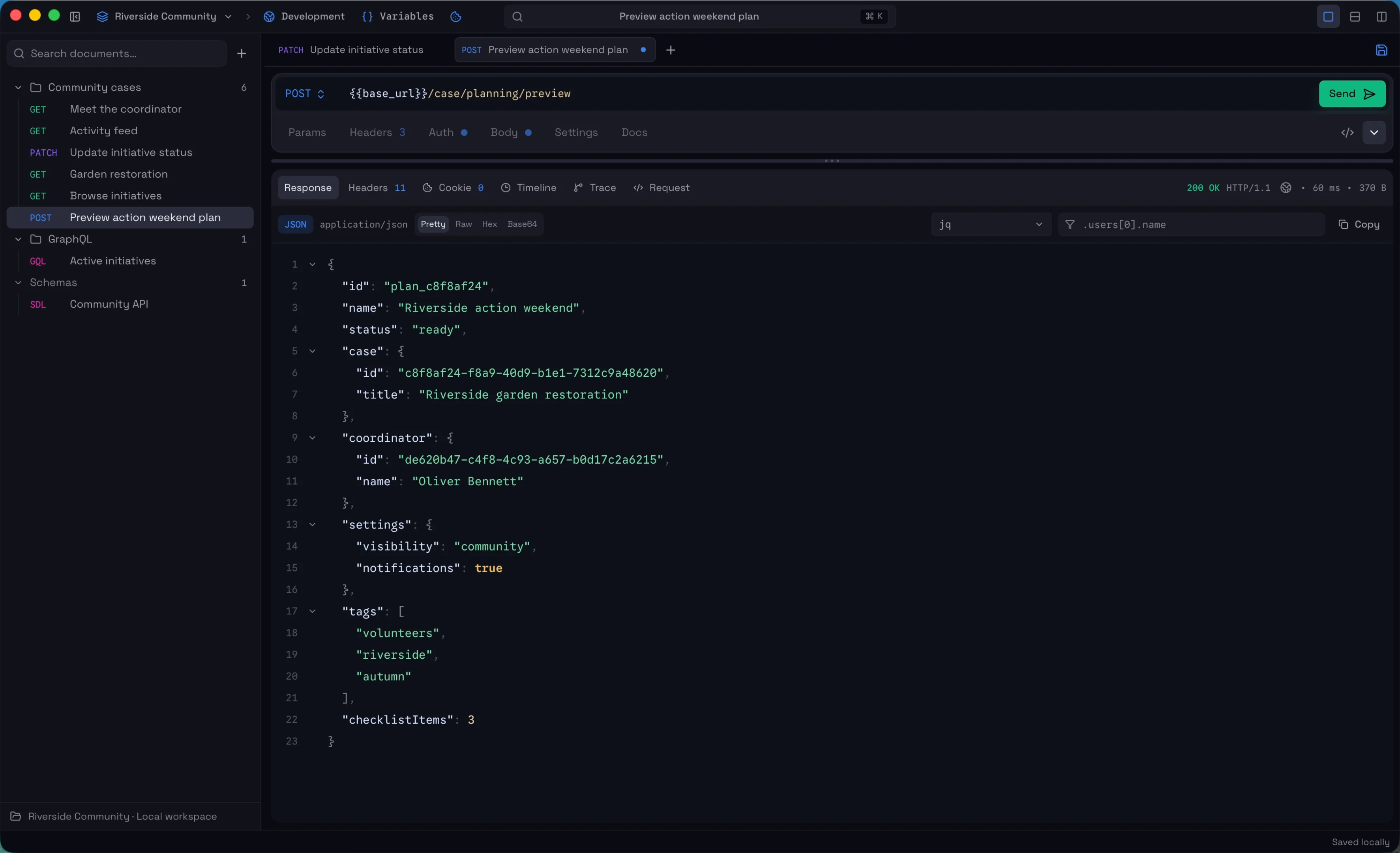
YOUR WORKSPACE IS YOURS
Requests are stored on your machine.
Workspaces, requests, variables, and project configuration are stored locally.
The goal is to make them easy to understand, move, back up, and eventually keep with the project that uses them. This is also why Git-friendly workspace files are important to Purr.
GIT-FRIENDLY DOES NOT MEAN SECRETS IN GIT
Share the request,
not the credentials.
Some workspace data should be portable. Secrets should not. Purr separates sensitive values from the files intended to live in your project or repository.
workspace.yaml
- Requests
- Configuration
- Variable definitions
Portable request definitions
Local encrypted storage
- Secrets
- Cookies
- Sensitive values
Sensitive values stay separate
Authentication secrets, cookies, and other sensitive values are not written into the YAML workspace files that are meant to be committed to Git.
ENCRYPTED BEFORE IT HITS DISK
Local does not have to mean plaintext.
API responses can contain much more sensitive data than the request itself. User records, tokens, internal service responses, debugging payloads, or production data can easily end up in local history.
Purr encrypts sensitive persisted data before storing it on disk. That includes the data that should not simply sit around as readable application files.
- Response
{ … } - Encrypt
- Local storage
••••••
Encrypted before it reaches disk.
RESPONSES CAN STAY ENCRYPTED
Response history should not become a plaintext archive.
Purr can store response bodies encrypted locally rather than leaving previous API responses readable on disk. The client still needs to be able to show you the response when you open it, but persisted response data is encrypted before storage.
Read about encryption →OPEN SOURCE WHERE TRUST MATTERS
You can inspect the client you give your credentials to.
Purr’s public core is available under the MIT license. For an API client, I think that matters.
You are putting authentication headers, cookies, internal endpoints, and sometimes production data into the application. You should be able to inspect how the client handles them instead of relying only on a privacy statement.
Some integrations and commercial functionality may live outside the public core, but the client itself is being developed in the open.
View Purr on GitHub ↗LOCAL-FIRST IS NOT OFFLINE-ONLY
Local ownership first.
Integrations when you ask for them.
Purr can connect to external systems when a feature requires it — for example a tracing provider you explicitly configure.
Local-first does not mean pretending the network does not exist. It means Purr does not require its own cloud service to hold your requests just so the desktop client can work.
WHY THIS MATTERS FOR AN API CLIENT
The data inside a developer tool can be more sensitive than the tool itself.
- Authorization tokens
- Cookies
- Private service URLs
- Request bodies
- Customer data
- Internal API responses
- Debugging information
For Purr, keeping that data local was not an extra privacy mode added later. It shaped how the workspace and storage were designed.
Your requests can stay
on your machine.
No required account, local workspaces, encrypted sensitive storage, and source you can inspect.
Read about encryption →